VERIFIED B2B WHOLESALE Dallas, Texas · Wholesale Supply Worldwide
HOW IT WORKS

From Business Registration to Wholesale Delivery

Buying wholesale inventory should not leave you guessing. Atlas Wholesale Group gives business buyers a clear process for finding inventory, requesting prices, placing orders, making payments, and arranging delivery.

ApplyVerifyBrowseQuoteOrderPayShip
B2B Buyer VerificationCommercial access for approved businesses
Detailed Lot ReviewProduct, condition, quantity and manifest details
Approved PaymentsWise, wire / SWIFT, ACH and approved crypto
Shipment MilestonesFrom preparation through delivery
SECTION 01

Create Your Buyer Account

Atlas is designed for B2B transactions, so the buying process starts with your business information.

Business meeting inside a wholesale facility
BUSINESS ONBOARDING

Start with verified company information.

You may be asked for

Your business profile

Buyer informationLegal company name
Buyer informationTrading name
Buyer informationBusiness type
Buyer informationCountry
Buyer informationBusiness address
Buyer informationShipping address
Buyer informationContact person
Buyer informationBusiness email
Buyer informationPhone number
Buyer informationWhatsApp
Buyer informationBusiness website
Buyer informationTax information
Buyer informationResale information
Buyer informationVAT information where applicable
Buyer informationImport/export information where applicable
SECTION 02

We Review the Buyer Before Commercial Access

Business verification helps protect the marketplace and its buyers.

02

Business Verification

Depending on your business and location, you may be asked to provide supporting commercial documents.

Business registrationEINTax IDResale certificateVAT informationOther commercial documents
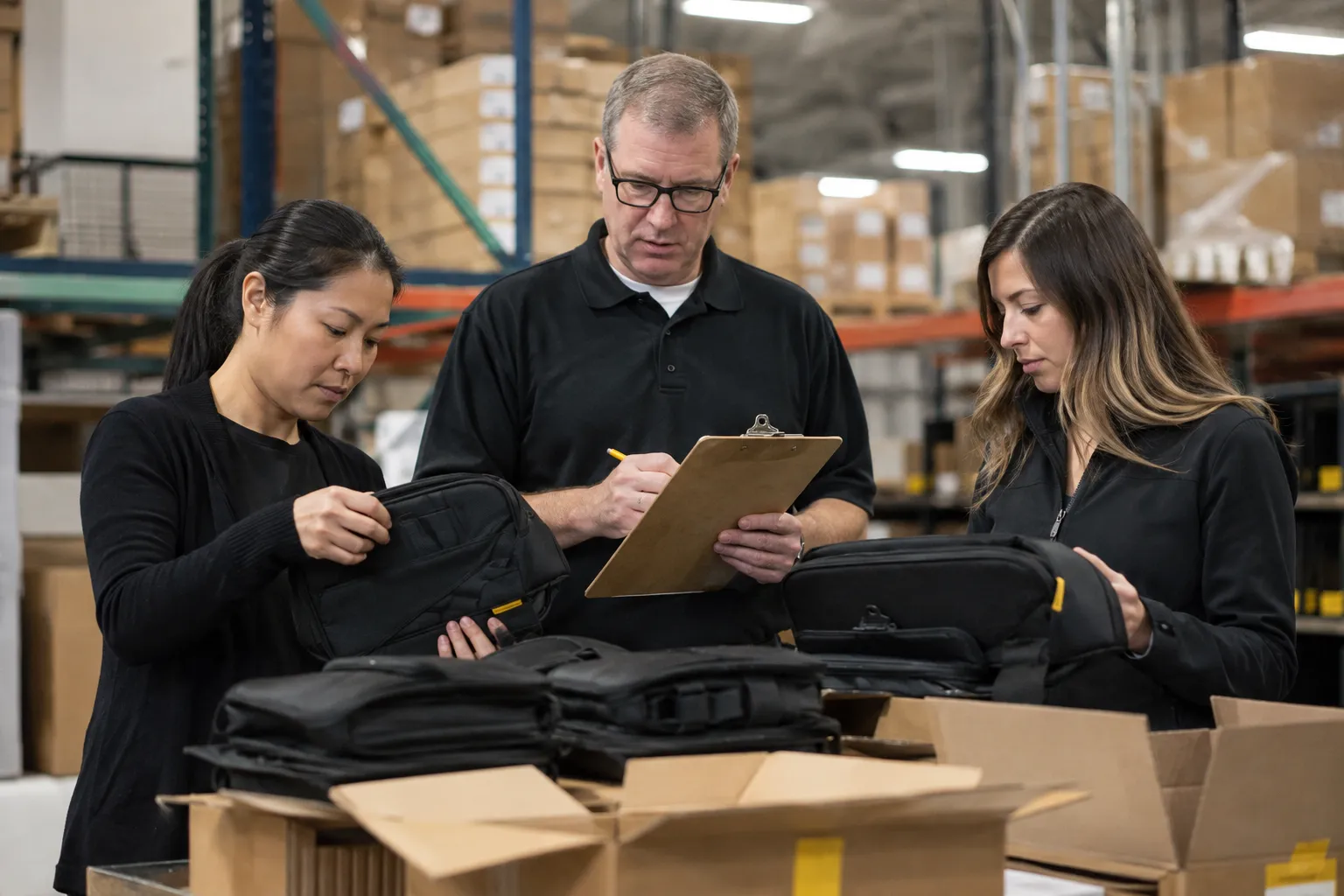
Wholesale team verifying product and business details
Under ReviewYour information is being checked.
More Information RequiredAdditional information or documents may be requested.
ApprovedYour buyer account can access the approved purchasing functions.
RejectedThe application does not meet the current requirements.
Controlled AccessCommercial purchasing functions remain tied to account status.
SECTIONS 03–04

Find, Filter and Review the Right Wholesale Lot

Approved buyers can explore inventory using available filters, then review the individual lot before ordering.

03
Find Your Inventory

Search Wholesale Inventory by What Matters to Your Business

Search across commercial categories and narrow available opportunities using purchasing criteria.

ElectronicsGeneral merchandiseHome and kitchenClothingHealth and beautyToolsToys and babyLiquidationTruckloads
ConditionPriceQuantityLocationStock statusManifest availabilityShipping eligibility

Wholesale product sourcing and category review
04
Review the Product

Know the Lot Before You Order

A product detail page can provide information such as the product title, images, SKU, lot number, condition, units, pallet count, manifest, estimated retail value, price, warehouse location, weight, dimensions, shipping and payment information.

Always review each listing carefullyInventory details can vary between lots
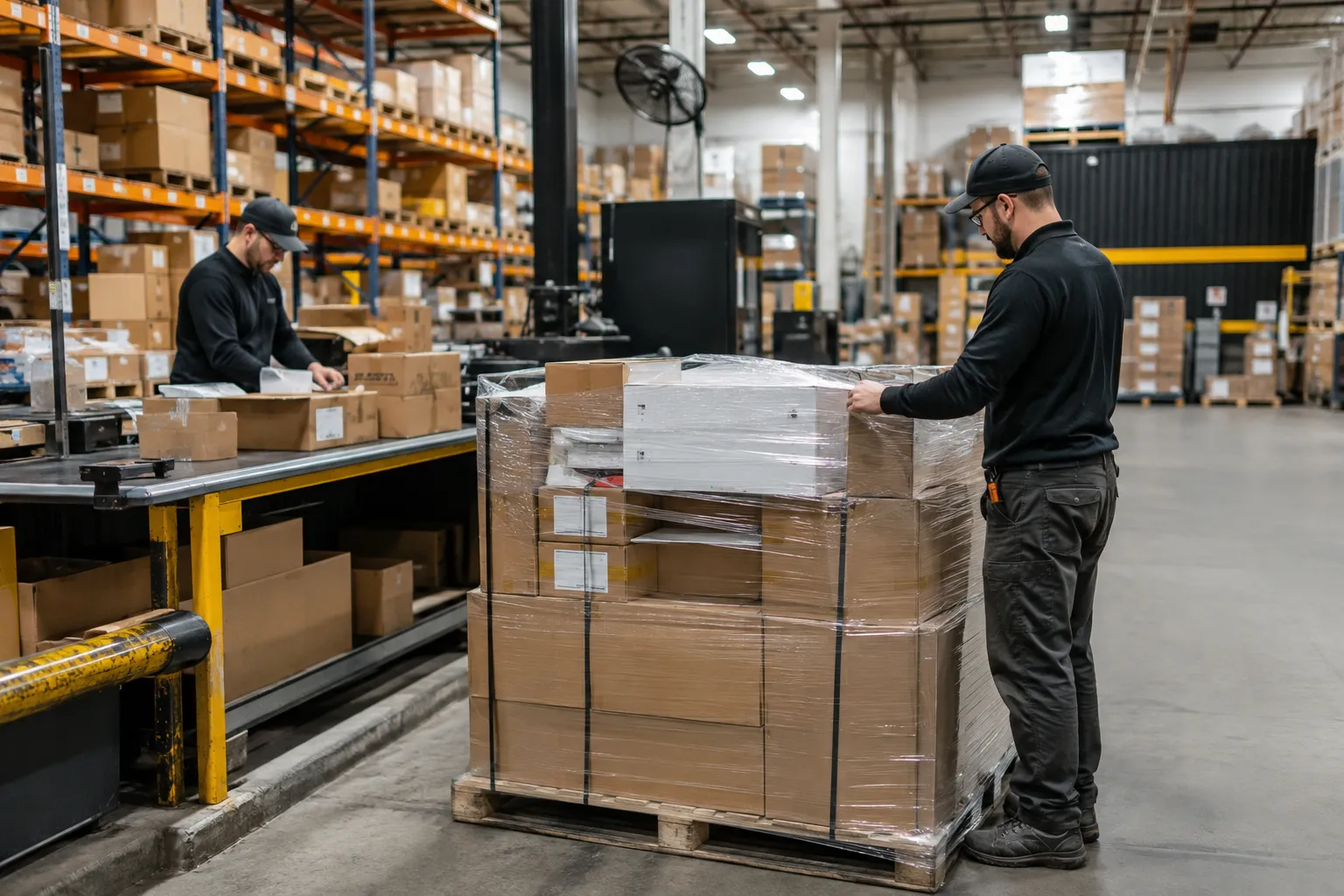
Warehouse staff preparing and reviewing wholesale inventory
SECTION 05

Two Ways to Purchase

Atlas supports direct fixed-price buying where available and quotation workflows for larger or customized orders.

Fixed-Price Inventory

Some products may have a published wholesale price and can be purchased directly if you meet the applicable requirements.

Request for Quote

Larger or custom orders can be submitted as an RFQ. You can provide product, quantity, destination, budget, delivery timeframe, shipping requirements and additional notes.

Start an RFQ
SECTIONS 06–08

Quote, Order and Payment

Your request moves through commercial review, order confirmation and approved payment verification.

Receive Your QuoteAvailable inventory, quantity, merchandise price, freight, destination, terms and quote validity can be reviewed.
Accept / ReviseThe quotation may be accepted, declined, or revised where applicable.
Place Your OrderProducts, quantities, price, freight, charges, payment method, currency and order terms are confirmed.
Complete PaymentDepending on the order, payment may include Wise, bank wire / SWIFT, ACH or approved cryptocurrency.
Payment VerifiedAwaiting Payment → Proof Submitted → Under Review → Verified → Completed.
SECTION 09

Arrange Shipping

Choose the freight path that fits your destination, volume and commercial requirements.

Domestic

U.S. Freight Options

PickupParcel where suitableLTLFTLBuyer-arranged freightAtlas-arranged freight
International

Cross-Border Freight

Air freightOcean freightFreight forwardingRoad or rail where appropriateExport document coordination
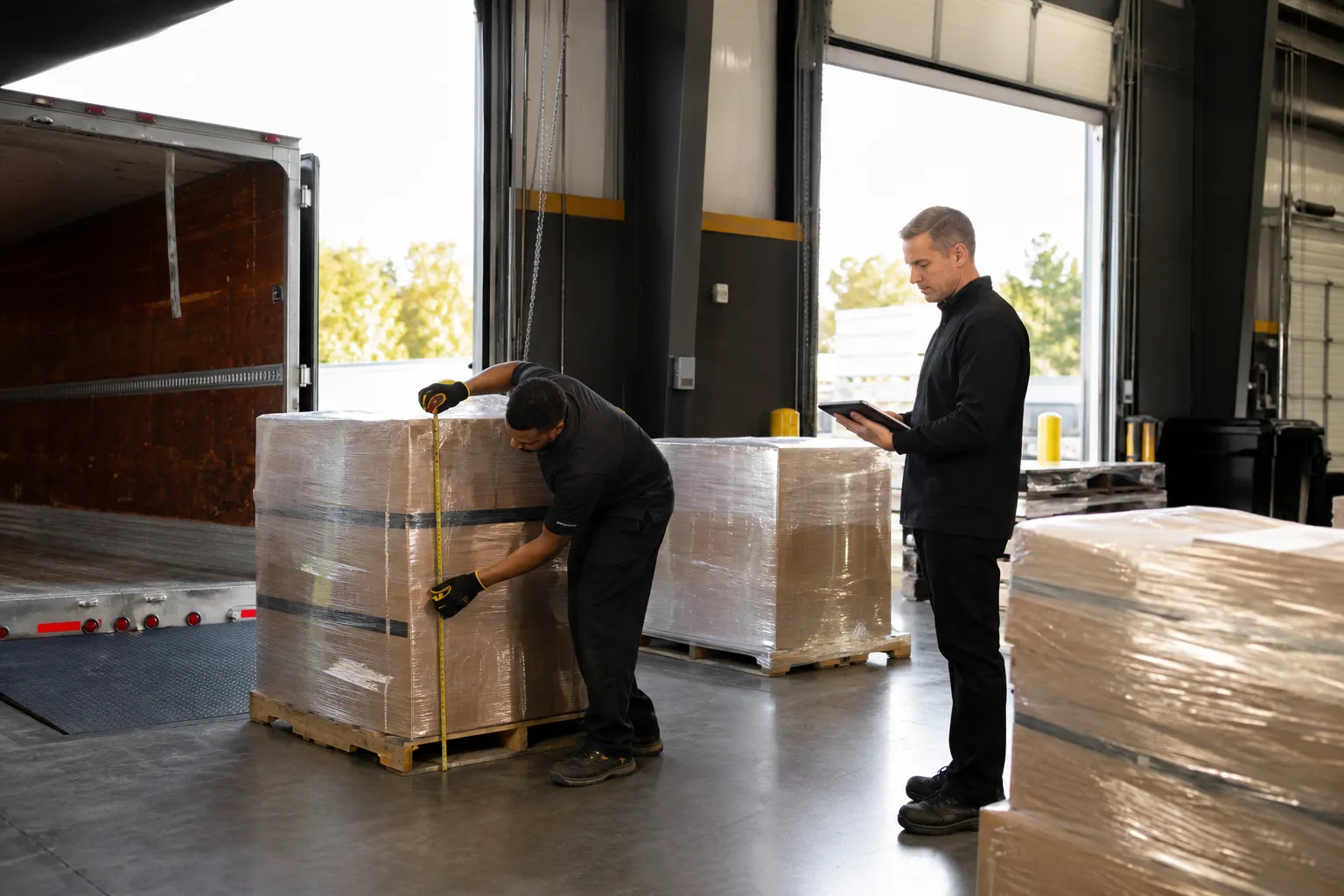
Warehouse team measuring freight pallets before dispatch
FREIGHT PREPARATION

Order dimensions and logistics are confirmed before dispatch.

SECTION 10

Follow the Order From Warehouse to Delivery

Eligible orders can move through clear shipment milestones as freight progresses toward its destination.

PreparingInventory is being prepared.
BookedFreight arrangements have been made.
CollectedThe shipment has been collected.
In TransitThe shipment is moving to its destination.
CustomsApplicable international customs processing is underway.
Out for DeliveryThe shipment is on the final delivery stage.
DeliveredThe shipment has reached the destination.
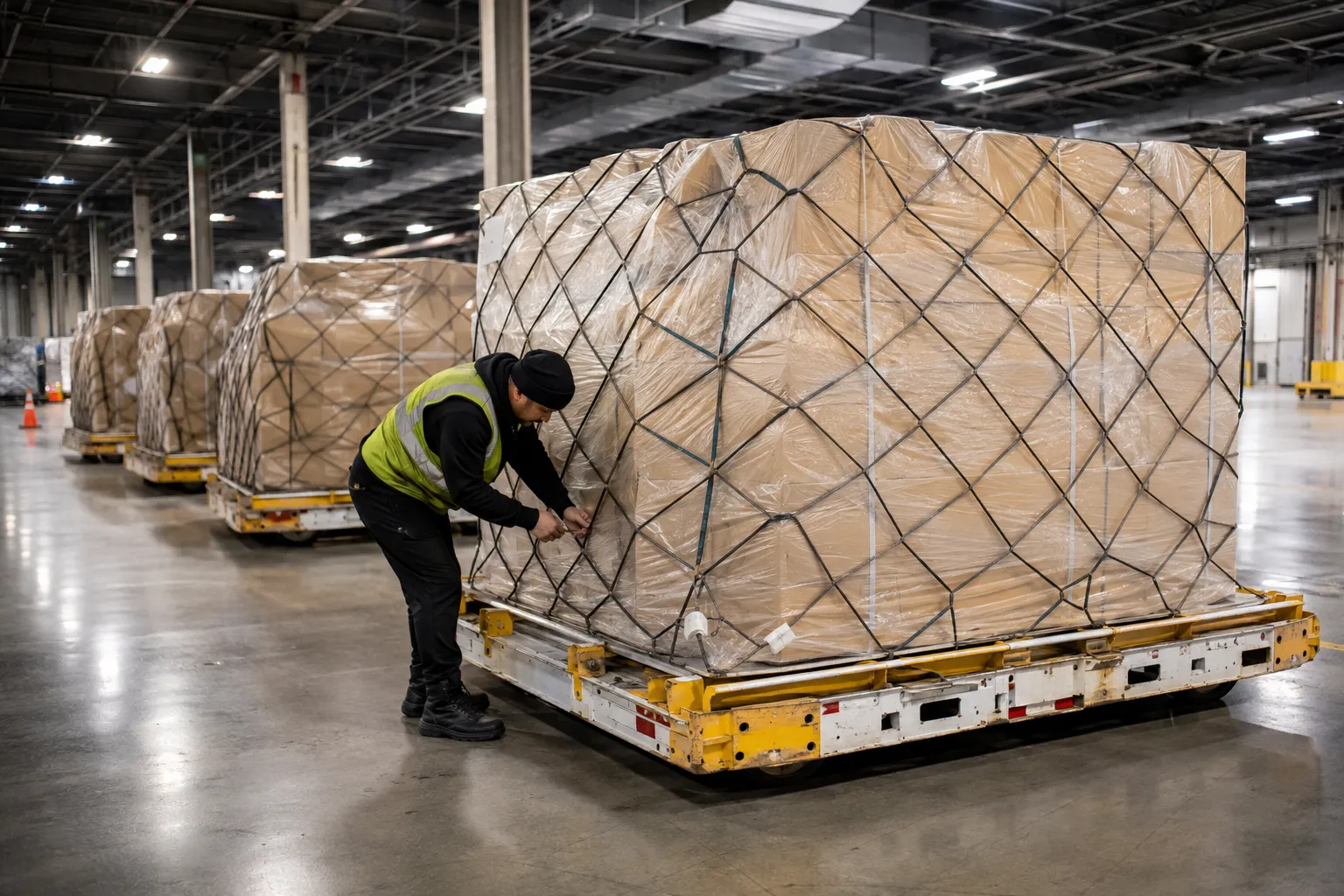
Secured wholesale pallets staged for shipment
TRACKABLE COMMERCIAL FREIGHT

Prepared, secured and staged for movement.

SECTION 11

Your Order Does Not End at Payment

Once an eligible order is marked as delivered, buyers can receive a review invitation. This allows future buyers to learn from real completed transactions.

Review invitations can be tied to eligible completed orders.
Completed-transaction feedback can help future buyers understand the experience.
Account history supports easier repeat purchasing and record keeping.
Business buyer and wholesale representative discussing a completed transaction
AFTER DELIVERY

Build long-term B2B purchasing relationships.

ATLAS PROCESS

Atlas vs a Typical Wholesale Buying Process

The Atlas workflow is structured to reduce fragmented communication and give business buyers clearer records across the transaction.

Typical ProcessAtlas Process
Find seller manuallySearch business inventory
Ask basic product questionsReview listing information
Email back and forthUse RFQ workflow
Unclear order statusAccount-based order status
Manual payment confirmationPayment verification process
Separate shipping communicationShipment tracking
Limited recordsOrders, invoices and documents
Hard to repeat purchasesSaved activity and account history
FAQs

Buyer Process Questions

Key answers for businesses moving through registration, purchasing and logistics.

READY TO START?

Ready to Start Buying Wholesale?

Create your business account and begin your wholesale buying process.

Browse Inventory